<!doctype html>
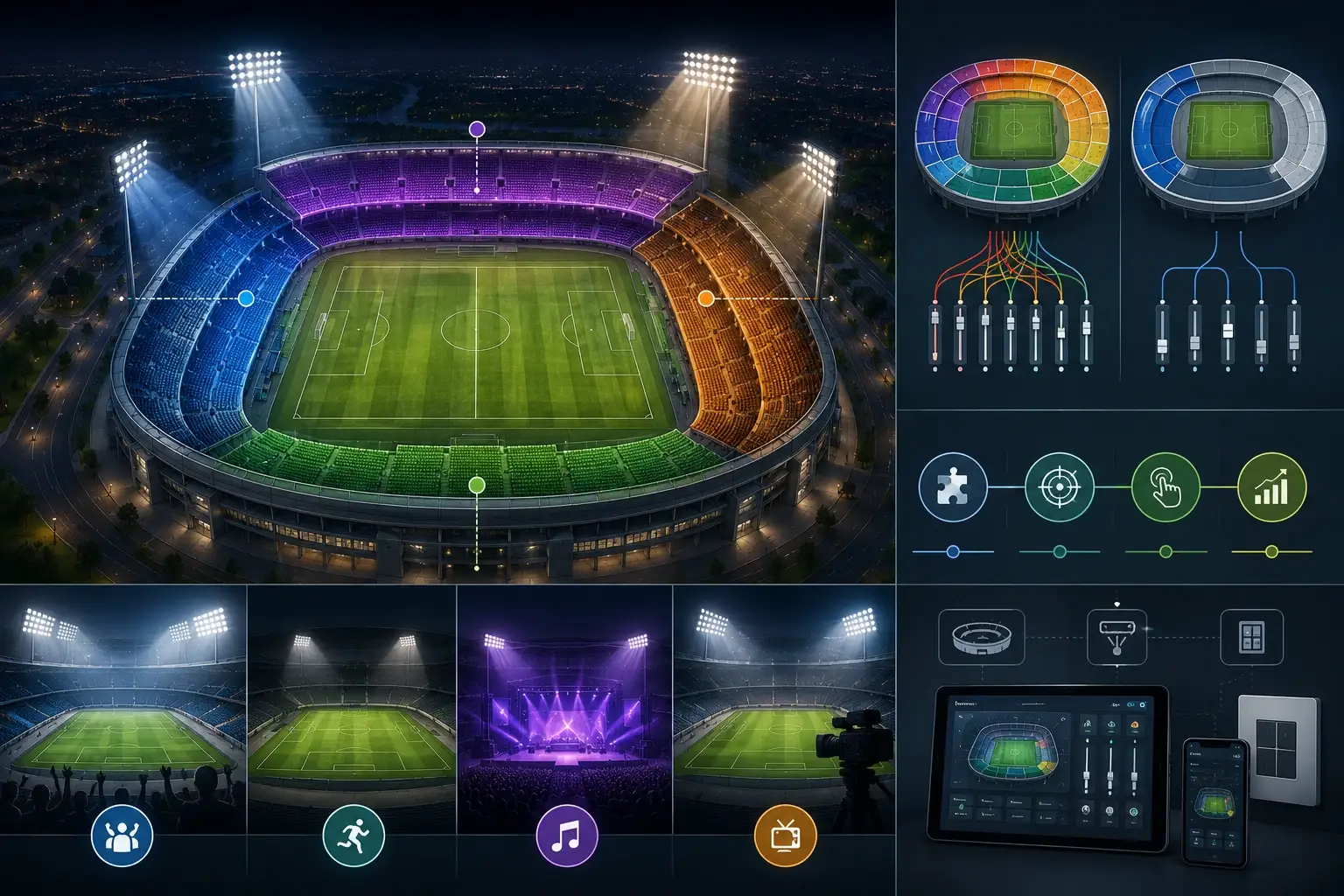
Good zoning makes stadium lighting easy to operate and easier to sign off. Define zones that match use cases without over-complicating commissioning or operations.
Answer: Create zoning that matches use cases: separate field zones, stands, and perimeter so scenes and curfew modes behave predictably.
Make zoning verifiable with a zone map + scene-by-zone table + commissioning test log in the sign-off pack.
- Key takeaway #1: Zoning is an operations tool—match it to how the venue is used.
- Key takeaway #2:Over-zoning creates confusion; start simple and document everything.
- Key takeaway #3:Zone test logs prevent ‘works on site but not later’ disputes.
Table of contents
1) When this applies
2) Key requirements / metrics (table)
3) Step-by-step workflow
4) Common mistakes
5) Checklist / Template download
6) FAQ
Related reads:
• Essential Stadium Lighting Controls
• Advanced Stadium Lighting Applications
• Reducing On-site Risks in Stadium Lighting Delivery
When this applies
Use this guide when you have multiple use cases (match, training, events) and want different parts of the venue to behave differently.
Typical scenarios
- Field + stands: comfort and energy needs differ.
- Multi-sport complexes: different orientations require flexibility.
- Curfew requirements: perimeter often stays on while field dims.
Key requirements / metrics
Use these metrics to define zoning in a way that is easy to commission and operate.
| Metric | What it affects | Why it matters | How to verify |
|---|---|---|---|
| Zone map | Clarity. | Stops wiring/commissioning confusion. | Zone IDs + luminaire mapping. |
| Scene-by-zone table | Operations. | Defines how each area behaves. | Scene levels + fade per zone. |
| Curfew policy | Compliance. | Limits off-hour impact. | Curfew scene verification log. |
| Override rules | Usability. | Prevents accidental drift | Controller settings documented. |
| As-built documentation | Maintainability | Needed for future changes. | As-built zone map + records. |
Definitions
Zoning is grouping luminaires into logical control groups. Zones should map to venue operations: field areas, stands, perimeter, maintenance.
Typical target ranges
Practical guidance:
- Start with field north/south (or similar), stands, and perimeter.
- Add finer zones only when a use case requires it.
- Document zone membership and keep it versioned.
Step-by-step workflow
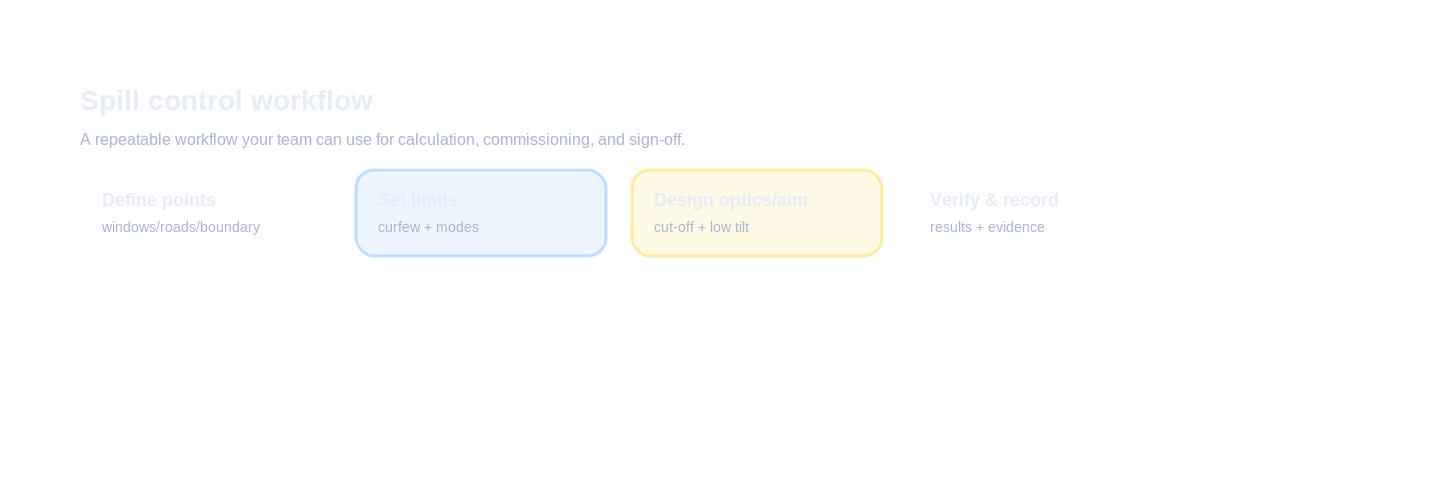
Workflow: define tier → map constraints → test 4/6/8 pole options in calculation → choose option with best risk profile → lock aiming limits and sign-off deliverables.
Inputs to collect
- Venue operating modes and operator needs.
- Physical boundaries (field/stands/perimeter).
- Control system capability and addressing method.
Design decisions
- Choose a simple initial zoning plan.
- Define a scene-by-zone table with fade times.
- Define curfew and override policies.
Verification & sign-off
- Zone map + scene-by-zone table delivered.
- Zone commissioning test log delivered.
Common mistakes
- Too many zones without documentation.
- Zone membership changes on site with no record.
- Curfew behavior not tested.
Checklist / Template download
These downloads are generated in-browser (TXT/CSV) and can be replaced later with gated assets.
Zone Map Template (CSV)
Define zones and which luminaires belong to each zone.
Request full pack
Scene-by-Zone Table (CSV)
Assign scene levels and fades by zone.
Request full pack
Commissioning Zone Test Log (CSV)
Record zone behavior and exceptions.
Request full pack
Tender Clause (TXT)
Tender-ready zoning documentation language.
Request full pack
Request the full pack
Start your lighting solutions
Privacy: we use your details only for document delivery and technical follow-up about this request.
FAQ
What is zoning in stadium lighting controls?
Grouping luminaires into logical areas (field zones, stands, perimeter) so scenes can be applied efficiently.
What should be in the minimum sign-off pack?
Acceptance criteria, calculation report, IES/LDT file register, aiming table, commissioning logs, as-built BOM/routes, and maintenance/spares plan.
How many zones is ‘enough’?
Enough to match use cases without making operations complex. Start simple and expand only if needed.
What is a common zoning mistake?
Over-zoning without documentation, leading to confusion during commissioning and operations.
How do you verify zoning at handover?
Provide a zone map, a scene-by-zone table, and a commissioning test log.
Ready to move from “requirements” to a passable design?
Get a calculation report + IES/LDT + tender-ready spec clauses (plus aiming table).
Get the Calculation / IES / Spec Pack
Back to ZCLED.com
https://zcled.com/pole-height-trade-offs-18m-25m-35m/