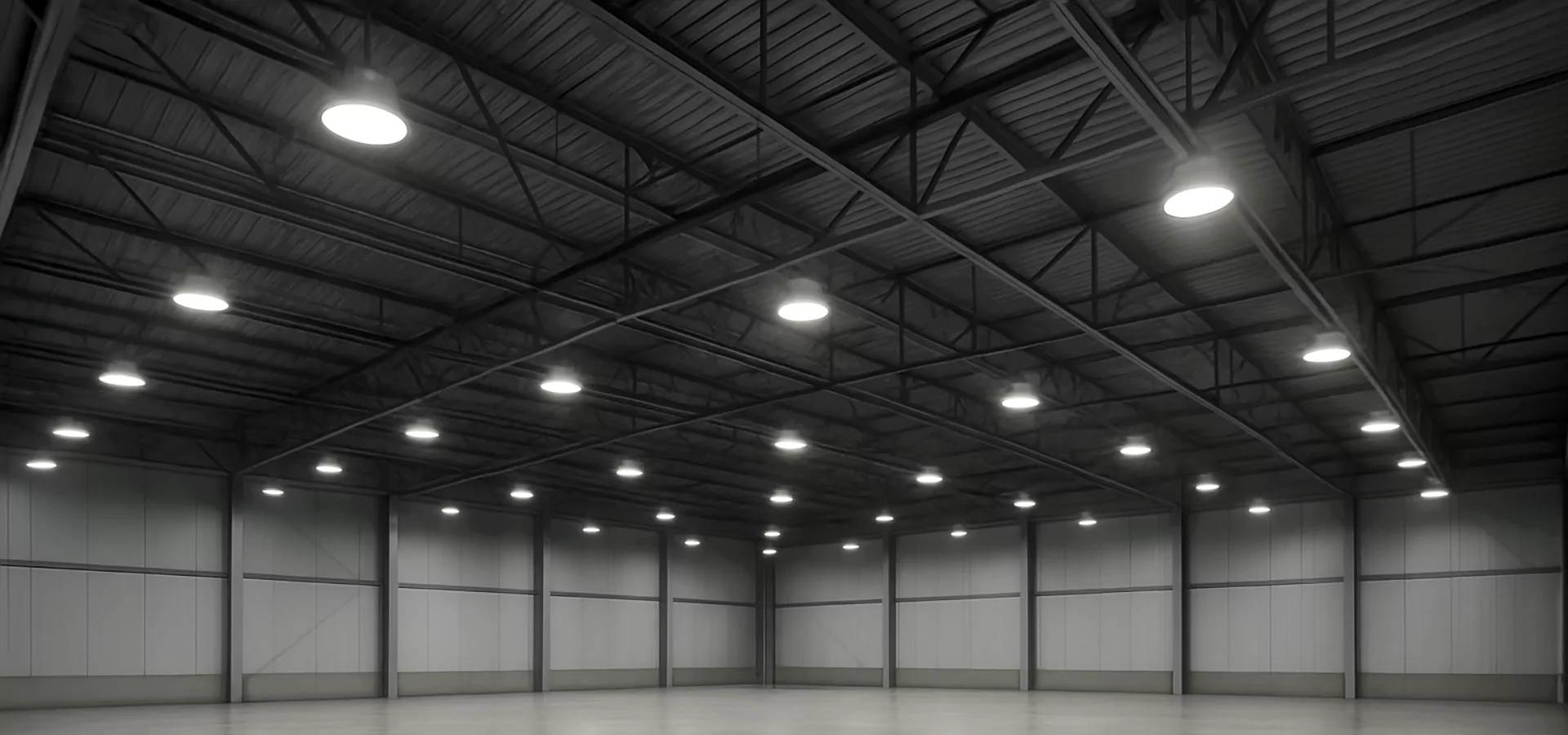
When planning lighting for warehouses, logistics centers, or heavy industry facilities, most specifications focus on lux levels and energy savings. However, a growing number of projects now include a requirement that luminaires achieve UGR<19 — a low glare rating traditionally associated with office environments.
So what does UGR<19 actually mean in an industrial context? Is it always necessary? And how do modern LED high-bay luminaires achieve low glare without sacrificing efficiency? This article answers these questions and provides a practical framework for applying UGR to real projects。
1. Understanding UGR: Unified Glare Rating
UGR (Unified Glare Rating) is an international metric used to quantify discomfort glare from a lighting installation。 It takes into account the brightness of each luminaire, its position in the field of view, the background luminance, and the observer’s viewing direction。1.1 The UGR Scale
While the underlying formula is complex, the interpretation is straightforward:- UGR < 16: very low glare, typical for high-comfort offices or control rooms。
- UGR < 19: low / controlled glare, suitable for many workspaces including industrial areas。
- UGR 19–22: noticeable glare, acceptable only in certain applications or for short exposure。
- UGR > 22: high glare, often uncomfortable for long-term tasks。
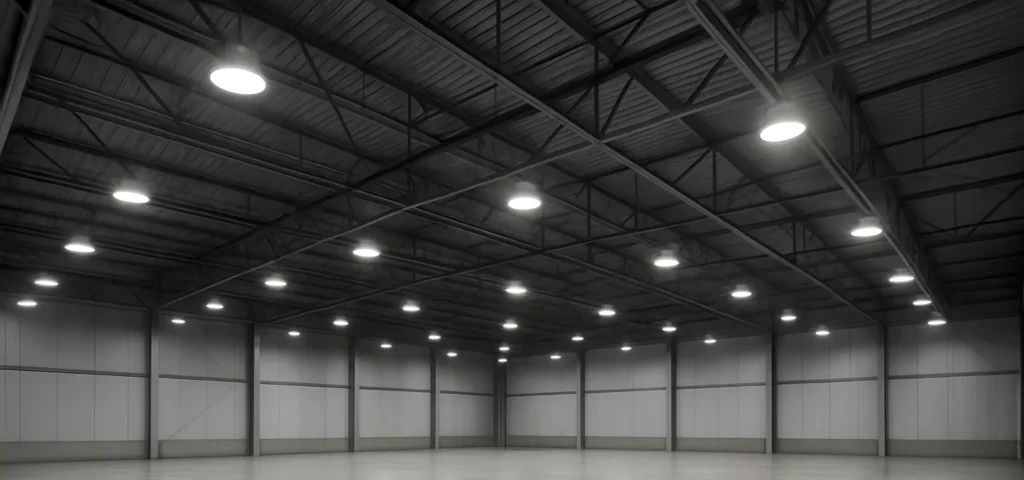
2. Why Glare Matters in Industrial Facilities
Glare is more than a minor annoyance。 In busy warehouses and production areas, it can directly affect:- Worker comfort and fatigue levels over an 8–12 hour shift。
- Accuracy in picking, inspection, and assembly tasks。
- Reaction times for forklift operators and machine operators。
- Perceived professionalism and quality of the facility。
2.1 Discomfort vs Disability Glare
Two types of glare are relevant for industrial spaces:- Discomfort glare – when bright luminaires cause eye strain or headaches, especially when workers frequently look upwards (e.g. reading rack labels)。
- Disability glare – when veiling luminance reduces contrast of objects, making it harder to see obstacles, small components, or changes in surface conditions。
3. How UGR is Calculated in Practice
In theory, UGR is calculated for a specific observer position, looking in a defined direction, using a standard formula that includes:- each luminaire’s luminous intensity in the observer’s direction,
- the background luminance of the room,
- the solid angle under which each luminaire is seen,
- and its position relative to the line of sight。
4. Strategies to Achieve UGR<19 with LED High-Bay Luminaires
Reaching UGR<19 in large open industrial halls can be challenging, especially with high mounting heights and powerful luminaires。 However, modern LED designs use a combination of optical and mechanical strategies to reduce glare。4.1 Optical Diffusers and Lenses
Simple LED boards with clear covers tend to show individual chip images and create strong point brightness。 To address this, manufacturers use:- Microprismatic diffusers – patterned surfaces that spread light and reduce visible hotspots。
- Secondary lenses – dedicated optics over each LED or group of LEDs to shape beams and control high-angle intensity。
- Hybrid systems – combinations of lens + diffuser that balance efficiency and comfort。
4.2 Recessed Light Sources
Another effective strategy is recessing LEDs deeper into the housing, so they are not directly visible at typical viewing angles。 This reduces perceived brightness when workers look across the space。4.3 Reflectors and Shields
Reflectors and internal shields can redirect or block light at angles most likely to cause glare。 Instead of emitting strong intensity around 65–90° from nadir, well-designed high-bays concentrate usable light in the working plane while softening brightness in the peripheral field of view。5. Balancing Energy Efficiency and Glare Control
A common concern is that adding diffusers or optical elements will reduce lm/W performance。 While some light loss is inevitable, the trade-off is often worthwhile in industrial spaces where visual comfort matters。Instead of maximizing efficacy at all costs, many modern designs aim for a balanced approach:- High but realistic efficacy (e.g. 140–170 lm/W at system level)。
- Well-controlled light distribution suitable for the mounting height。
- UGR<19 in critical viewing directions for work tasks。
6. Where UGR<19 is Most Valuable in Industrial Projects
Not every zone in a facility needs the same glare performance。 Targeting UGR<19 in the most sensitive areas can deliver good value without over-engineering the entire building。6.1 Priority Areas
- Picking aisles and racking areas where workers frequently look upward to scan labels。
- Assembly and inspection lines where detail recognition and contrast are critical。
- Control rooms or mezzanines overlooking production areas。
- Mixed-use spaces where offices and production share the same visual field。
7. A Practical Process for Applying UGR in Your Project
When reviewing industrial lighting proposals that claim UGR<19 performance, consider the following steps:- Ask for UGR calculation data for typical mounting heights and viewing positions relevant to your facility。
- Verify that UGR is reported for realistic observer positions (for example, in aisles, at workstations, or along main traffic routes)。
- Check luminaire design for visible chips vs diffused optics and whether light sources are recessed。
- Request on-site mock-ups in a sample area to test comfort with real operators。
- Balance UGR with other requirements such as lux levels, uniformity, energy consumption and budget。
8. Beyond Numbers: Listening to the People Under the Lights
While UGR provides a useful numerical target, actual worker feedback remains one of the most reliable indicators of success。 After new lighting is installed, facility managers should:- Collect comments from operators, pickers and supervisors。
- Observe whether people squint or shield their eyes in specific areas。
- Monitor any changes in error rates or productivity linked to visual tasks。
9. Conclusion: UGR<19 as Part of a Holistic Industrial Lighting Strategy
UGR<19 is not a magic number, but it is a valuable tool for designing comfortable, safe and efficient industrial lighting。 By paying attention to glare as well as illuminance, facility owners can create environments that support long-term performance and employee well-being。Modern LED high-bay luminaires with good optical design allow projects to achieve:- Stable, uniform lighting at the correct lux levels。
- Low glare in critical task areas。
- High energy efficiency and reduced maintenance costs。