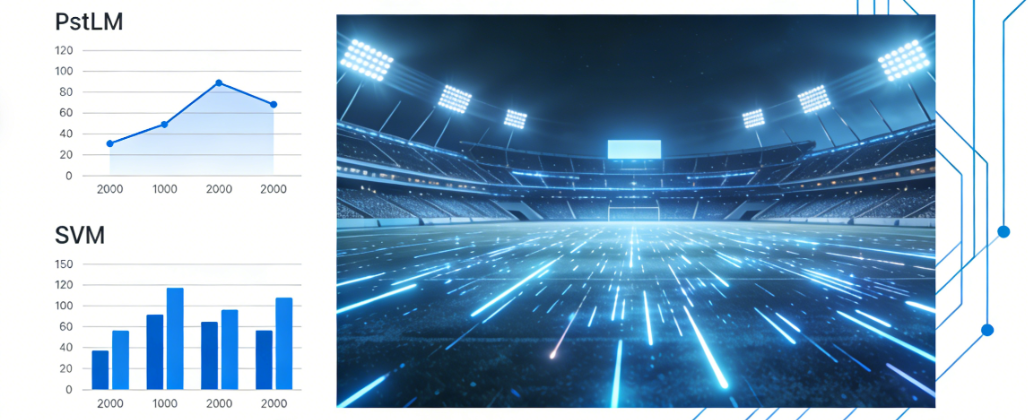
Many tenders say “flicker-free” or “no banding,” but those phrases are not enforceable unless you define measurable metrics and a test plan. This guide shows how to specify flicker properly and verify it on site.
Lock the driver + control method, require test reports, and record commissioning evidence so results are defendable at sign-off.
- Key takeaway #1: Avoid “flicker-free” without numbers-use measurable limits + a test method.
- Key takeaway #2: Test flicker at 100% and at common dim levels; low-dim is where issues show up.
- Key takeaway #3: Broadcast success depends on driver/control compatibility and verification, not only luminaire wattage.
Table of contents
When this applies
Use this guide when your venue is broadcast-ready or the tender mentions “flicker-free”, “no banding”, or high-speed camera requirements. It helps you convert vague language into measurable specs and a repeatable verification plan.
- Broadcast venues: camera banding risk must be controlled and verified.
- Dimming scenes: issues often appear at low dim levels, not at 100%.
- Retrofits: mixed drivers/control methods can create inconsistent modulation.
- Consultant acceptance: you need measurable limits and a test plan before commissioning.
Key requirements / metrics
Define these items so flicker requirements are testable and auditable.
| Item | What it means | Why it matters | How to specify |
|---|---|---|---|
| PstLM short-term | Indicator related to short-term flicker perception. | Helps prevent visible flicker discomfort, especially when dimmed. | Set a max limit per tender and define test conditions (modes + instrument). |
| SVM stroboscopic | Indicator related to stroboscopic effects under movement. | Relevant for sports movement, ball tracking, and camera capture. | Specify max SVM; require reporting at full and dimmed modes. |
| Camera compatibility | Risk of banding/shimmer under high-speed capture. | Broadcast venues can fail even when spectators feel fine. | Define camera test requirements or require sample footage + statement. |
Definitions
“Flicker” describes rapid light output variation (modulation). Cameras can detect flicker/banding patterns that humans may not notice. A good spec links flicker to measurable metrics (PstLM, SVM) and defines operating modes for testing (full + dimmed).
Typical target ranges
Numeric limits depend on the tender. A safe approach:
- Training/community: set measurable flicker limits if dimming is used.
- Competition: define limits for full output plus common scene levels.
- Broadcast: require measurable limits and a camera compatibility verification method.
Step-by-step workflow
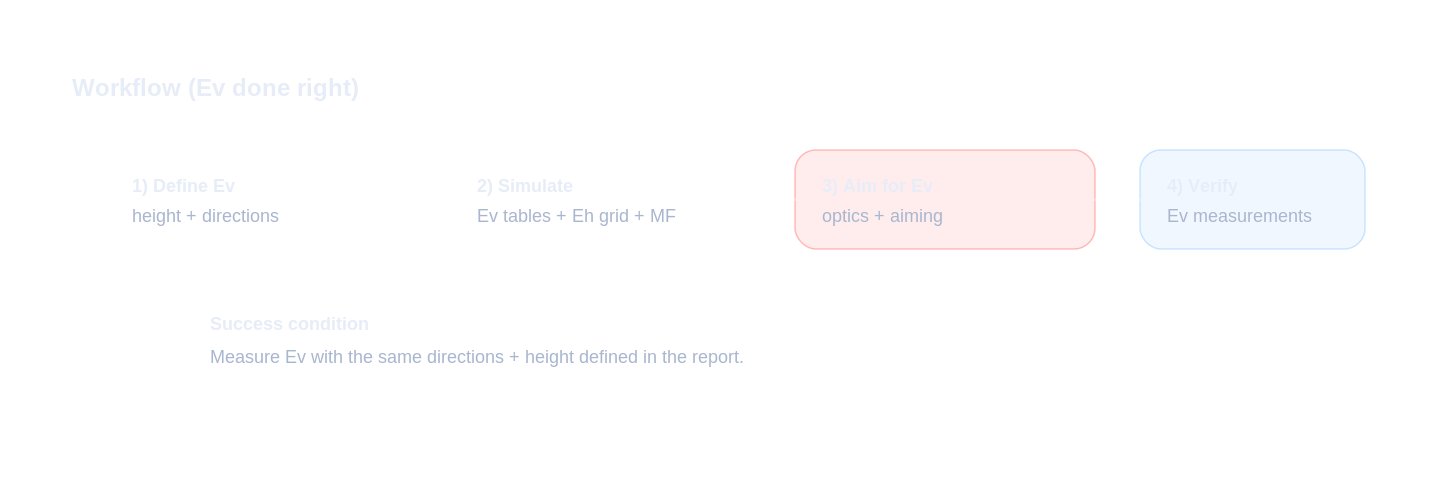
The key is to specify and verify the driver + control system, not only the luminaire headline specs.
Inputs to collect (must-have)
- Tender language: required metrics (PstLM/SVM/camera) and which modes apply.
- Control method: DALI/DMX/0-10V and expected dimming range.
- Use scenes: match/training/event modes and minimum dim levels.
- Acceptance method: instruments, test points, reporting format, sign-off party.
Design decisions (key points)
- Lock driver family + control protocol. Avoid “equivalent driver” substitutions.
- Specify flicker by operating mode. Require results at 100% and typical dimmed scenes.
- For broadcast: include camera verification. Define method or require pre-accepted sample footage.
- Document compatibility. Dimming curve + minimum dim levels consistent across fixtures.
Verification & sign-off
- Pre-commissioning: confirm installed drivers match the specified model list.
- Test in multiple scenes: full + dimmed where problems show up.
- Record evidence: test report + scene settings + photos + camera footage (if required).
Common mistakes
- “Flicker-free” with no metrics: impossible to enforce and easy to dispute.
- Only testing at 100%: failures often occur at low dim.
- Allowing driver substitutions: flicker performance can change with driver design.
- No camera test plan: broadcast complaints appear after installation.
- Mixed control methods: inconsistent results across luminaires.
Checklist / Template download
Flicker Spec Clause (TXT)
Measurable flicker language (PstLM/SVM + modes).
Flicker Test Plan (CSV)
Define how to verify flicker in full and dimmed modes.
Driver + Control Checklist (CSV)
Lock driver/control compatibility early.