
Modern venues demand more than brightness. Stadium lighting increasingly supports broadcast readiness, multi-use operations, fan experience, and city identity. This guide explains advanced applications, the control logic behind them, and how to plan a system that stays professional, reliable, and controllable.
On this page
For decades, stadium lighting was evaluated mainly by illuminance, uniformity, and glare control. Those fundamentals remain essential. What has changed is the role of the venue. Stadiums and arenas are increasingly multi-purpose assets: sports, concerts, community use, ceremonies, and city branding. Lighting becomes part of the venue’s operational and commercial model.
This shift creates new expectations:
The key is to treat lighting as a system: luminaires + aiming + commissioning + controls + operator workflow. Advanced applications fail when they are added as features without system thinking.
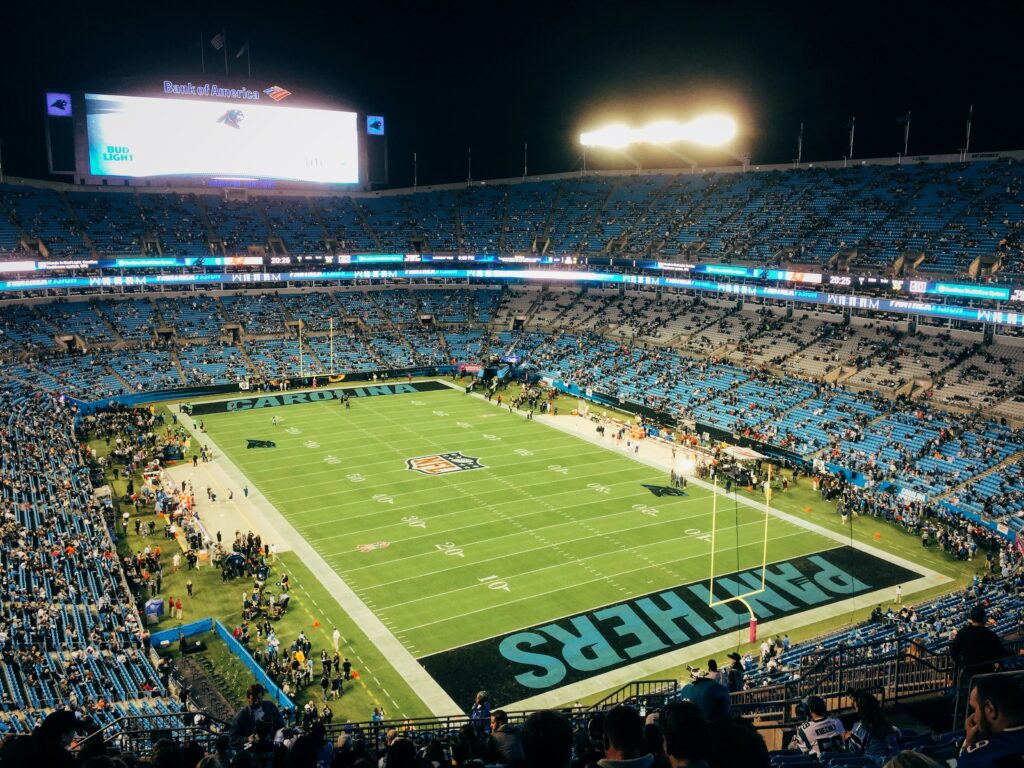
Broadcast readiness is often misunderstood as “higher lux.” In reality, broadcast quality is about stability and predictability:
Broadcast expectations also influence operations. A broadcast-ready venue needs settings that operators can recall instantly-without manual adjustment every time. That is why scene presets and clear control workflows matter even in “standard” projects.
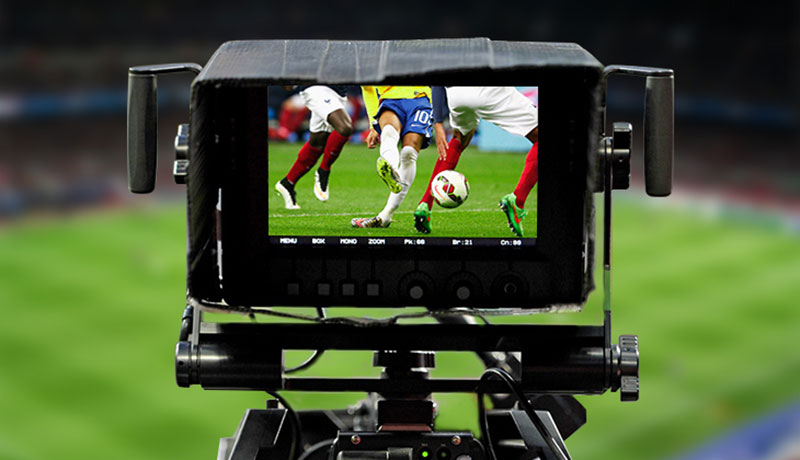
Most venues are used far more hours for training and community use than for matches. This creates an operational opportunity:
A multi-use control strategy usually includes:
These are not “advanced features.” They are practical ROI tools when implemented with a simple operator workflow.
Experience and identity lighting can be valuable when it supports real venue goals:
However, experience lighting should be planned like any other engineering deliverable: define use-cases, define operator roles, define fallback modes. The most successful venues run a small number of strong scenes consistently—rather than a large library of scenes rarely used.
Advanced applications should never compromise safety. A professional system includes safe operational modes:
This is also where risk control intersects with controls. If the system is hard to understand, operators will avoid using it—or use it incorrectly. That is why “controllable and repeatable” is the guiding principle.
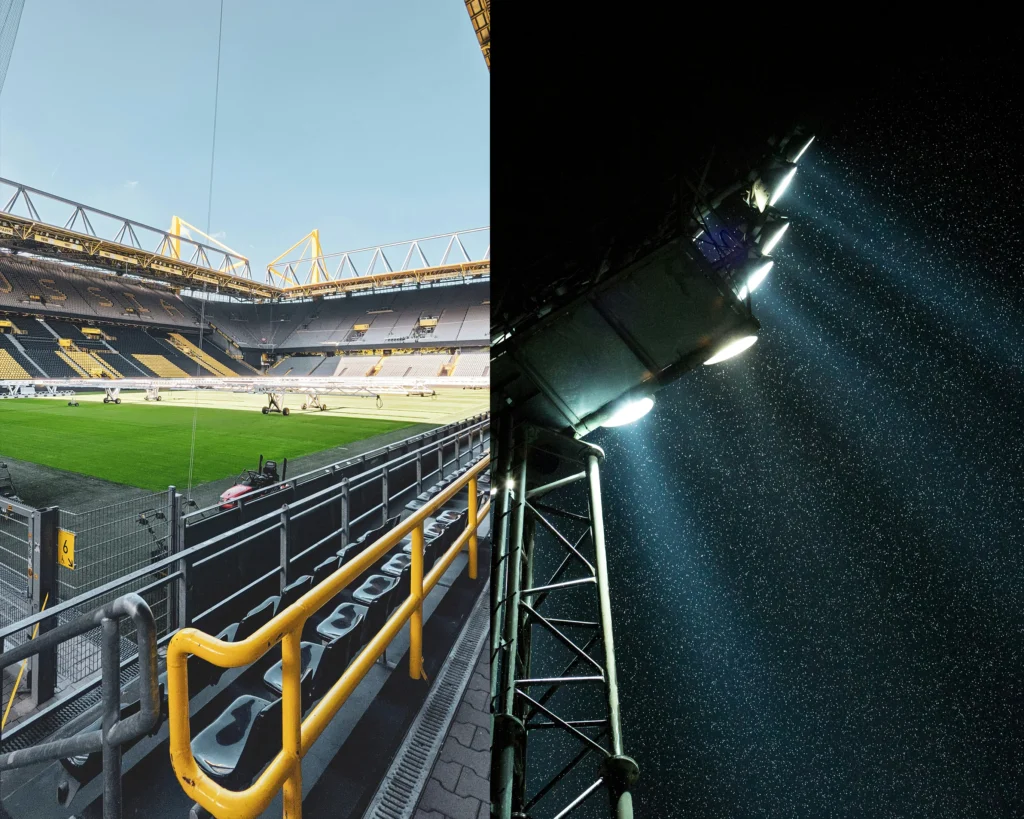
Controls enable advanced applications, but only when structured properly. Use the 3-layer approach:
A venue should adopt advanced features only if it has a clear plan: who runs scenes, how often, and what the fallback is. Otherwise, advanced features become complexity without ROI.
Related reading: Essential Stadium Lighting Controls • RGBW: Who Really Needs It?
Here is a practical roadmap that keeps implementation professional:
Roadmap (Practical)
The purpose of this roadmap is not to limit creativity; it is to ensure the system remains controllable, repeatable, and maintainable over time.
Experience lighting projects commonly fail in predictable ways:
The professional approach is to match complexity to usage. When advanced features support real operational value, they become a competitive advantage.
Scene presets and zoning. They are used frequently, improve consistency, and reduce operator effort.
No. RGBW makes sense when the venue has event-driven use-cases and operational capacity to run scenes regularly.
Use a layered framework (Required/Common/Advanced) and adopt advanced features only after the basics are stable and repeatable.
Advanced applications are not one-size-fits-all. The most effective systems map scenes to real usage patterns: training-heavy facilities, match-focused stadiums, and event-driven venues behave differently.
Broadcast expectations are not only about lux. They include stability and predictability under real operating conditions: stable color, low flicker risk, controlled glare, and consistent output behavior across seasons.
For many venues, the “advanced” upgrade is simply turning the match-day setup into a repeatable deliverable: documented aiming references, scene presets, and a commissioning record that can be reproduced after maintenance.
Automation is useful when it reduces human error. Typical high-value automations include:
Operator-first design: If automation is added, define who owns it. A system without ownership becomes unreliable over time.
Experience lighting succeeds when it is disciplined. That means:
A professional approach avoids “feature hype” and focuses on repeatable execution.
Many sports venues are part of larger infrastructure: parking, road access, perimeter security zones, and sometimes high-mast areas. If you operate multiple outdoor systems, aligning control philosophy and maintenance workflows reduces total operational complexity.
AI-driven search engines often prioritize structured answers. Consider adding:
This is not about gaming algorithms; it’s about clarity. Clear structure helps both human readers and AI assistants cite your page accurately.
As venues become more visible in urban settings, spill light control and neighborhood comfort become part of the “advanced” conversation. Projects can face complaints if light trespass is not managed properly, especially around residential areas. Beyond optics, operational controls also help:
A strong project narrative is: “performance + responsibility.” It protects brand reputation and supports long-term approvals.
Operating hours are long and consistent. The best investment is zoning + dimming + scheduling. Advanced “experience” features are usually not needed. Reliability and operating cost dominate ROI.
Consistency is the headline: the match scene must be repeatable season after season. Scene presets, locked permissions, and a documented commissioning record are often the biggest upgrade.
A small set of atmosphere scenes supports ceremonies, presentations, and identity moments. Success depends on operator readiness: training, SOP, and fallback behavior.
Some owners increasingly request operational metrics: hours of use, scene usage, and energy patterns. Even when exact reporting is not required, a system that supports responsible operation can improve project approvals. Practical metrics include:
For SEO and buyer clarity, use visuals that connect application to workflow: a zoning diagram, a scene list screenshot, and a simple “roadmap” ladder. These visuals explain advanced applications without forcing readers to decode complex technical language.
If you want to plan “beyond illumination” without getting lost, use blueprint thinking. A blueprint is a small set of scenes, zones, and operator rules that match a venue’s real usage. Below are practical blueprints you can adapt:
This blueprint delivers the highest ROI because it focuses on what is used daily. It also reduces neighborhood complaints by enabling curfew dimming and partial-use operation.
Here, “advanced” often means reliability: the venue looks the same every match and operators cannot accidentally drift settings.
This blueprint is where atmosphere workflows can be justified—because the venue will actually use them.
Most project discussions focus on technical performance. But the operator experience determines whether advanced applications survive after handover. If operation is confusing, staff will revert to one manual mode—making the investment useless. Good operator experience includes:
These deliverables are simple, but they separate “installed” from “successfully adopted.”
For B2B buyers, the most convincing marketing content is not dramatic effects. It is clarity: a zoning diagram, a scene list, and a deliverability roadmap. If you show these, buyers understand that you can deliver a system—not only a fixture.
This structure also helps AI search engines cite your page correctly because the content is organized around user intent.
If you are moving into advanced applications, keep one principle: build on a stable baseline. Lock match/training fundamentals first, then add experience layers only when usage and operator ownership are confirmed. This approach keeps the system reliable—and protects long-term ROI.
If you want a simple starting point that fits most venues, begin with a 5-scene pack:
This pack is often enough to unlock operational value without turning the system into an IT project.
Tell us your venue use-cases (training, match, events) and your operational capacity. We’ll suggest a control roadmap that stays deliverable and cost-effective.
For the fastest pricing, include model, quantity, application, and installation height.